LED Wall Mesh Generator for Unreal nDisplay
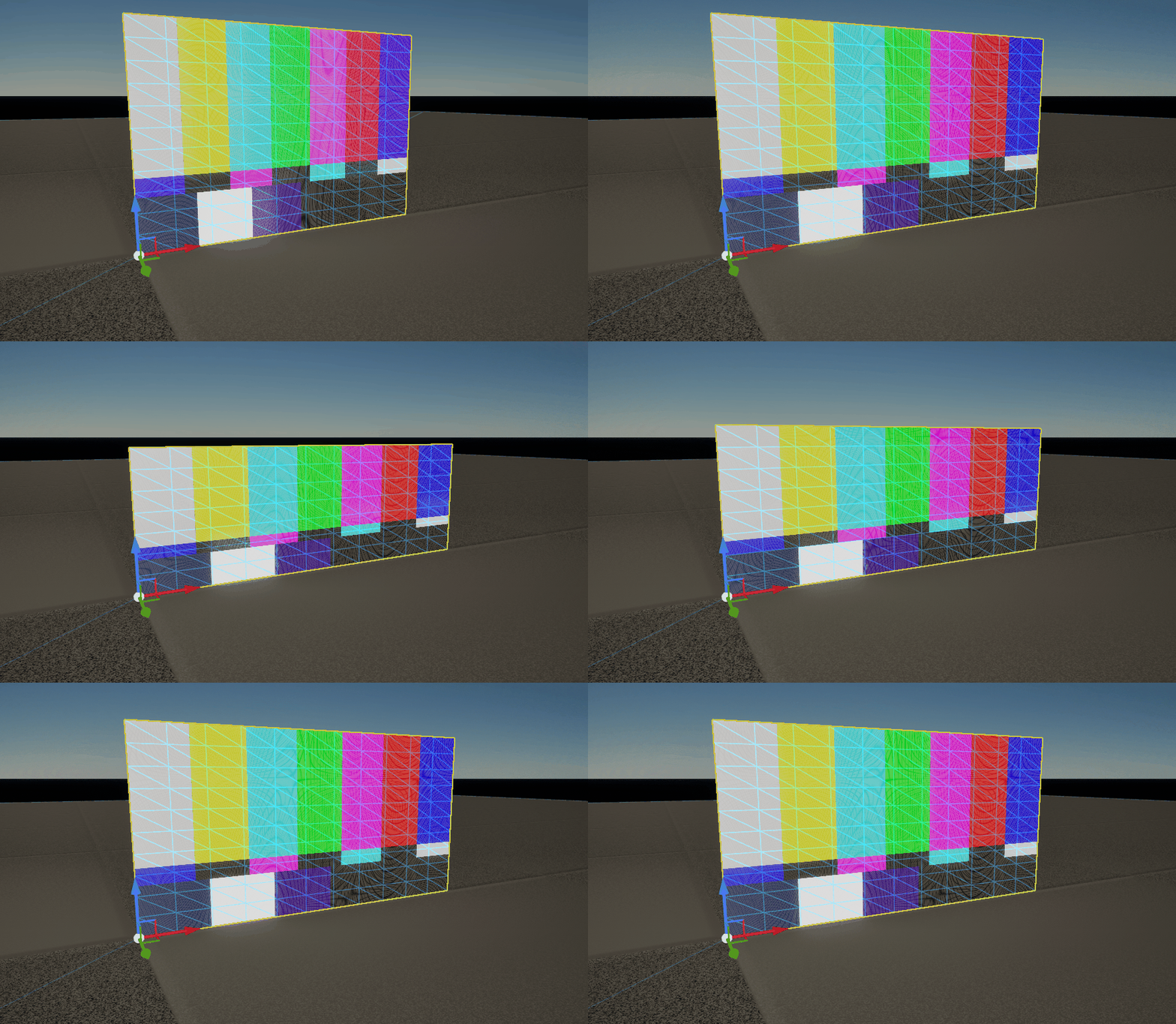
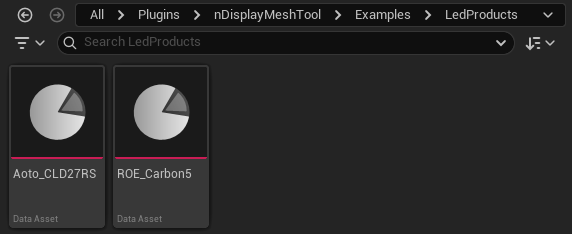
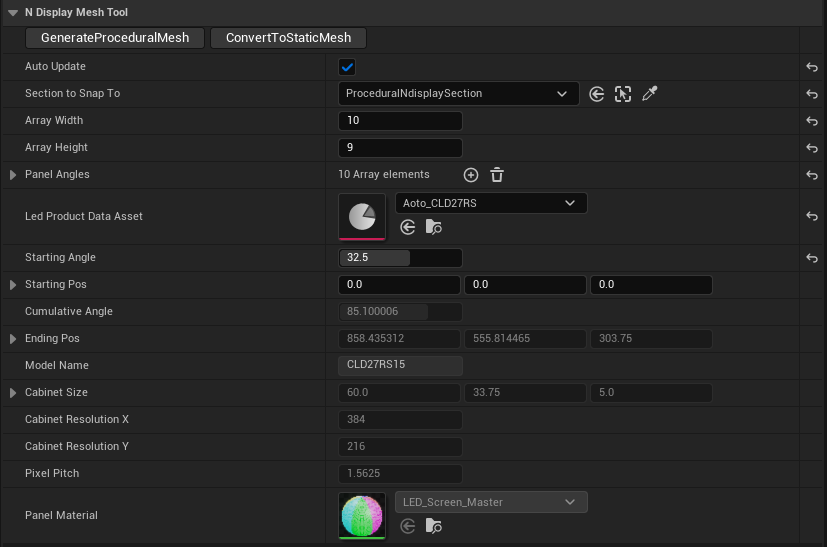
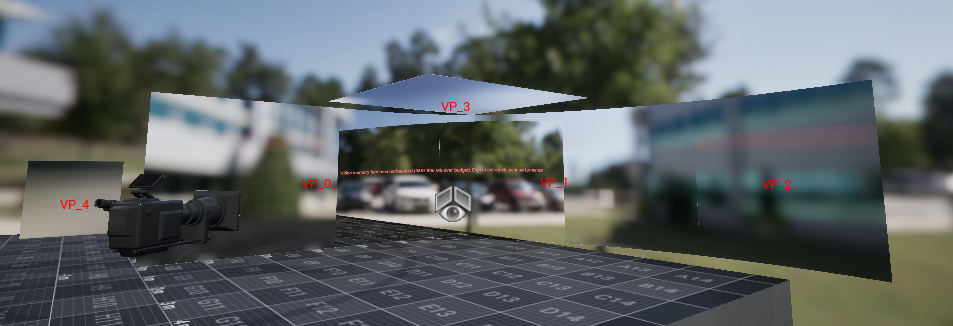
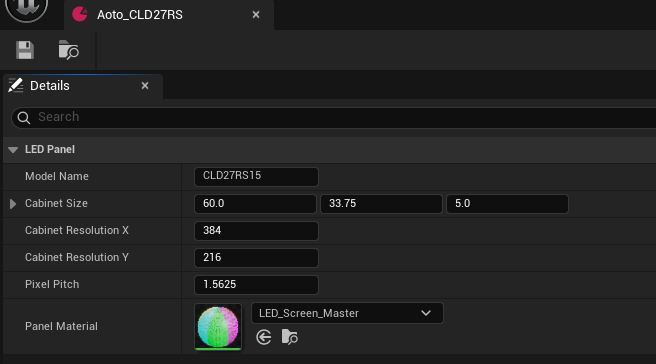
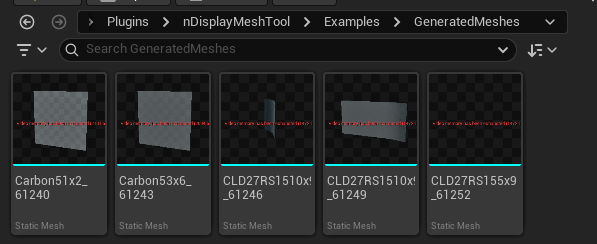
Manually modelling LED volumes for nDisplay is annoying! This tool automates the process, saving time and effort. Simply create an asset containing the specs of your LED panels and then specify the height and width of the panel array. A procedural mesh is then generated which can be used to create a static mesh for nDisplay projection in seconds. The tool even supports curved walls with varying angular offsets and the ability to split the volume into multiple canvases. I created this system entirely in C++ using the Unreal procedural mesh module and combined it with my LED panel material to simulate moiré aliasing for previsualisation. In fact the tool was so useful it was used when setting up the CoSTAR Realtime Lab in Dundee to produce the nDisplay configuration.